
Published
A practical assessment does not need enterprise software or a full-time security team. It needs a clear view of what keeps the business running, consistent risk scoring, and owners who can verify that fixes work.
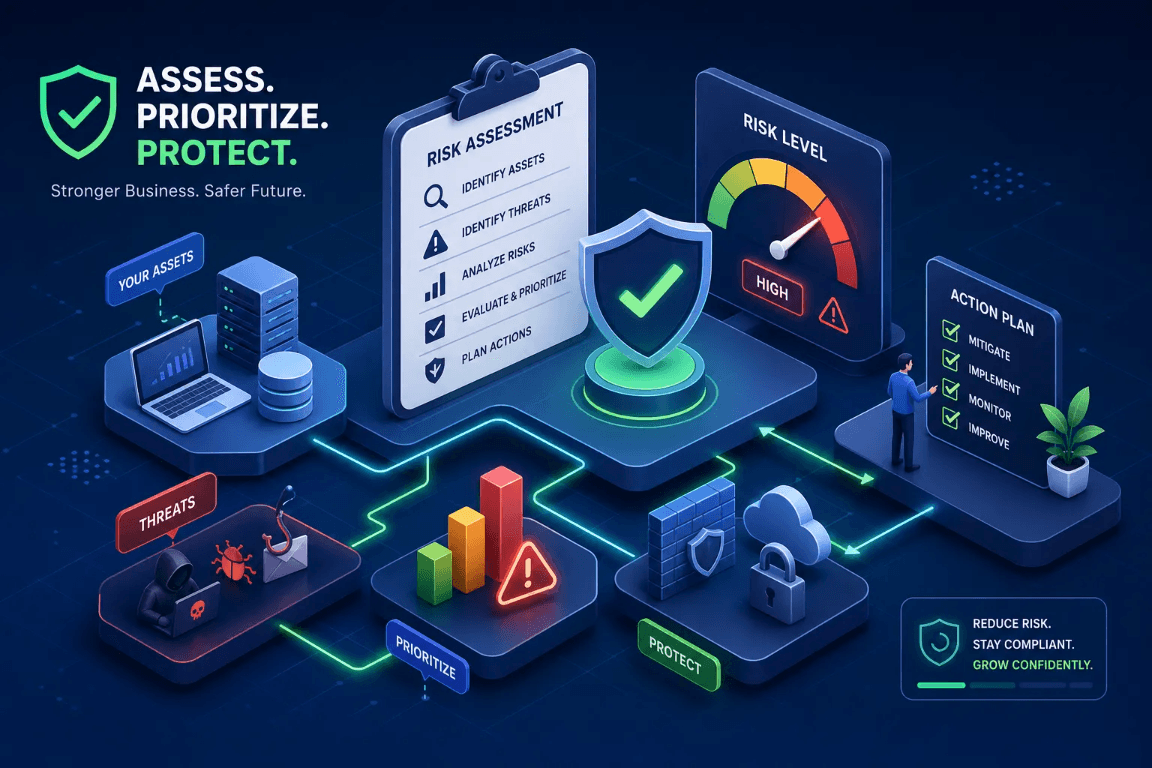
Start with the business, not a scanner
A supplier emails new bank details just before an invoice is due. Your office manager recognizes the name and is ready to update the payment record—but no one has called the supplier to confirm the change. That is the kind of everyday decision a useful cybersecurity risk assessment should help your team handle.
The assessment gives you a practical way to spot what could interrupt work, expose information, or send money to the wrong place. You do not need enterprise software or a full-time security team. You do need a clear list of what matters, an honest view of the safeguards already in place, and someone responsible for each fix.
This six-step guide is for planning and prioritization. It is not a compliance determination, penetration test, or guarantee that an incident will not happen. Bring in your IT provider or a qualified professional for technical work that requires access to your systems.
1. Define the scope
Start with the work the business cannot afford to lose for long: taking orders, dispatching jobs, paying employees, serving customers, or producing goods. Decide which locations, teams, systems, and third parties belong in the assessment. If you rely on an IT provider, agree on who will gather technical details and who will decide what to fix.
Keep the first pass manageable. You can start with the systems behind one or two critical workflows, then expand the scope once you have a repeatable process.
2. Inventory the systems and information that matter
List the accounts and services behind those workflows. For a Microsoft 365 business, that might mean employee and administrator accounts, email, shared files, and the people or vendors who can access them. Add laptops and phones, accounting and payroll, customer and operations software, websites and domains, backups, and remote-support access. Note who owns each item, what information it holds, and what an outage would mean for the business.
- Mark which systems contain sensitive information or can move money.
- Note where backups exist and who can restore them.
- Record outside providers and the access they need.
- Flag anything no one is sure how to maintain or recover.
3. Identify realistic threats and current safeguards
Think through how each important account, device, or service could be misused, lost, or made unavailable. A supplier impersonator might send new payment details; someone could take over a mailbox or lock shared files; a lost laptop could expose customer information; or a vendor account could remain active after a project ends.
For each scenario, write down the safeguards that exist today—not only products you bought or changes you plan to make. Check who enforces multifactor authentication (MFA), how updates are handled, whether backups have been restored in a test, and how employees verify payment or account changes. Ask your provider for current evidence when the answer is unclear.
- Payment changes are confirmed using a known phone number or contact—not details in the new request.
- Business email and other important accounts have appropriate MFA and individual sign-ins.
- Someone owns updates, alerts, and the review of vendor access.
- Important files or services can be restored, and the people who use them have checked the result.
- Employees know how to report a suspicious request and who will respond.
4. Score risks consistently and keep a risk register
A spreadsheet is enough to get started. Score likelihood and business impact from 1 to 5, then multiply them: Risk score = likelihood × impact. This is a way to compare concerns, not a prediction that an event will happen. Write down what each number means before scoring so you and your IT provider are not using different yardsticks. For example, 1 for likelihood could mean unlikely in the next year; 5 could mean it is happening now or expected repeatedly. Score impact based on disruption, financial loss, or harm to customers and operations.
You can use local priority bands such as 1–4 low, 5–9 medium, 10–19 high, and 20–25 critical. These are working categories, not a universal standard. Adjust them if your business needs a different escalation threshold, and consider time-sensitive or legal obligations separately rather than letting a score override them.
Take the supplier example from above: if one email can change where payments go, you might score the likelihood 3 and the impact 5, for a score of 15. The number does not mean fraud has occurred. It helps show why a callback to a number already on file—and a second approval for the change—deserves an owner and a deadline.
- Risk ID and affected asset or business process
- Risk statement describing what could happen and why
- Current safeguards and evidence reviewed
- Likelihood, impact, score, and priority
- Recommended action, named owner, and target date
- Status and residual score after a fix has been implemented and verified
5. Turn the scores into a practical action plan
Start with risks that could stop a critical workflow, expose sensitive information, or move money to the wrong place. Give each high-priority item one accountable owner and a realistic due date. If an immediate fix is not practical, document the reason, any temporary protection, and when the decision will be reviewed.
Do not change production equipment, remote access, or other business-critical systems based on a generic checklist alone. Coordinate technical changes with the provider and system owner, especially where an update or configuration change could interrupt operations. A short outage checklist can help turn these priorities into specific questions for your IT provider; a planning template can help your team write down response contacts and first steps.
- In the first 30 days, address urgent access and recovery gaps: review administrator accounts, require MFA where appropriate, confirm payment-change verification steps, and test recovery of a business-critical file or service with the responsible provider.
- Over the next 30–90 days, close remaining high-priority gaps: assign update ownership, review outside access, resolve unsupported systems with the vendor, and make sure employees know how to report suspicious activity.
- Ongoing, review exceptions and overdue actions with the people who own the systems. Keep the plan short enough to revisit and update rather than treating it as a one-time report.
6. Verify safeguards with evidence
A planned fix is not a completed fix. After someone makes a change, ask for evidence that it is enabled and working in the systems and accounts that matter. Then update the register and rescore residual risk. If the evidence is missing or an exception remains, keep the risk open.
- A current settings view or report showing MFA is required for the accounts in scope.
- A restore-test record showing what was recovered and whether the business user could use it.
- A dated access review showing which vendor and administrator accounts remain active.
- A patch or maintenance report listing overdue systems and their owners.
- A written payment-change procedure and a record that employees know how to follow it.
Frameworks and outside help
A framework can help organize the work, but it does not replace checking your own systems. NIST Cybersecurity Framework 2.0 groups cybersecurity outcomes under Govern, Identify, Protect, Detect, Respond, and Recover. A small business can use those functions to spot areas it has not considered, then keep the actual findings and evidence in its own risk register.
A public-facing review and an internal safeguard review answer different questions. The free Zero-Access Business Exposure Review checks public signals around email, domains, websites, and internet-facing services; it does not require passwords or verify internal accounts, backups, or device settings. Use it as one outside-in input, not as the whole assessment or proof of compromise.
The Business Security Baseline is a separate, paid service for agreed internal safeguard verification. It is $1,995 for businesses with up to 25 employees; larger businesses receive a confirmed quote. Its internal evidence review complements—not replaces—a business-owned risk register and action plan.
Keep the assessment current
Revisit the register at least once a year, and sooner when you add a major system or vendor, change how the business operates, or deal with an incident. Close an action only after checking the result. If it is not done, keep it visible with an owner and a date to review it again.
Over time, the register should make it easier to answer three ordinary business questions: What could interrupt us? Who is handling it? How will we know the fix worked?
Related resources
Start with the right kind of review
The free Zero-Access Business Exposure Review checks public signals around your email, domains, websites, and internet-facing services. For agreed internal safeguards, the $1,995 Business Security Baseline includes evidence review for businesses with up to 25 employees; larger businesses receive a confirmed quote.